
Your boss uses SkillsDock.
You use SkillsClock.
Check your schedule, clock in and out on site, and submit invoices from your tracked hours. Free for every employee — no SkillsDock account needed.
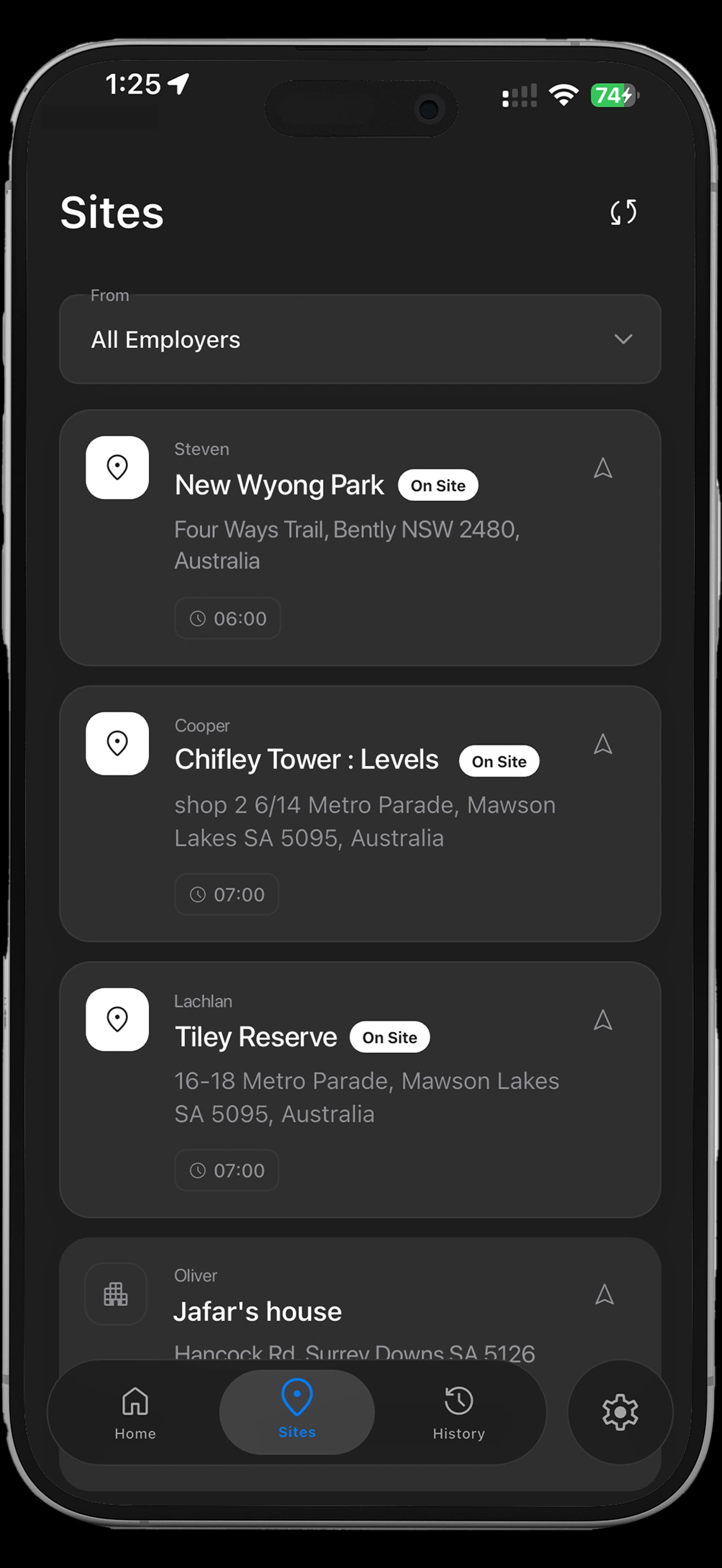
Get started in minutes
- 1
Download SkillsClock
Search for SkillsClock on the App Store or Google Play. It's free.
- 2
Sign up and join your team
Create your account and your employer adds you to their team.
- 3
Check your schedule
See where you're working, when you start, and what the job is.
- 4
Clock in on site
Tap to clock in when you arrive. Your hours are tracked automatically.
- 5
Track your hours
See your clocked hours, breaks, and totals for the day and week.
- 6
Submit your invoice
At the end of the week, submit an invoice built from your tracked hours.
- 1
Download SkillsClock
Search for SkillsClock on the App Store or Google Play. It's free.
- 2
Sign up and join your team
Create your account and your employer adds you to their team.
- 3
Check your schedule
See where you're working, when you start, and what the job is.
- 4
Clock in on site
Tap to clock in when you arrive. Your hours are tracked automatically.
- 5
Track your hours
See your clocked hours, breaks, and totals for the day and week.
- 6
Submit your invoice
At the end of the week, submit an invoice built from your tracked hours.